
-
 ADD DRIVERSIF YOU HAVEMULTIPLE TRUCKS If you have multiple drivers, add them to the app using only their name and cell number. They will receive a text message with a link to the app.
 -
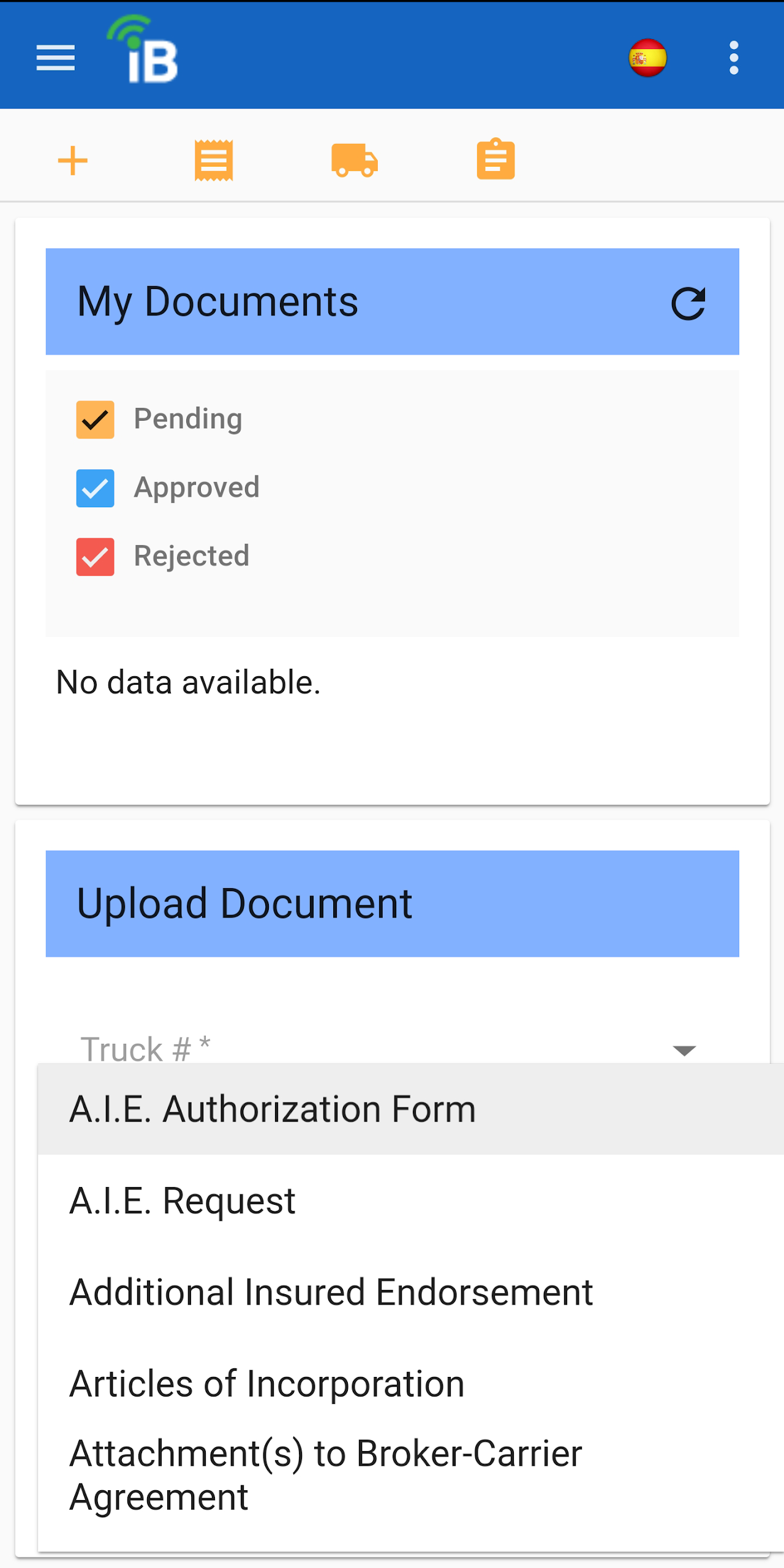
UPLOADINSURANCEDOCUMENTS Sending in updated paperwork is no problem with the iBulk app. Simply scan the document using our SmartScan technology and your updated document has already been sent.
-
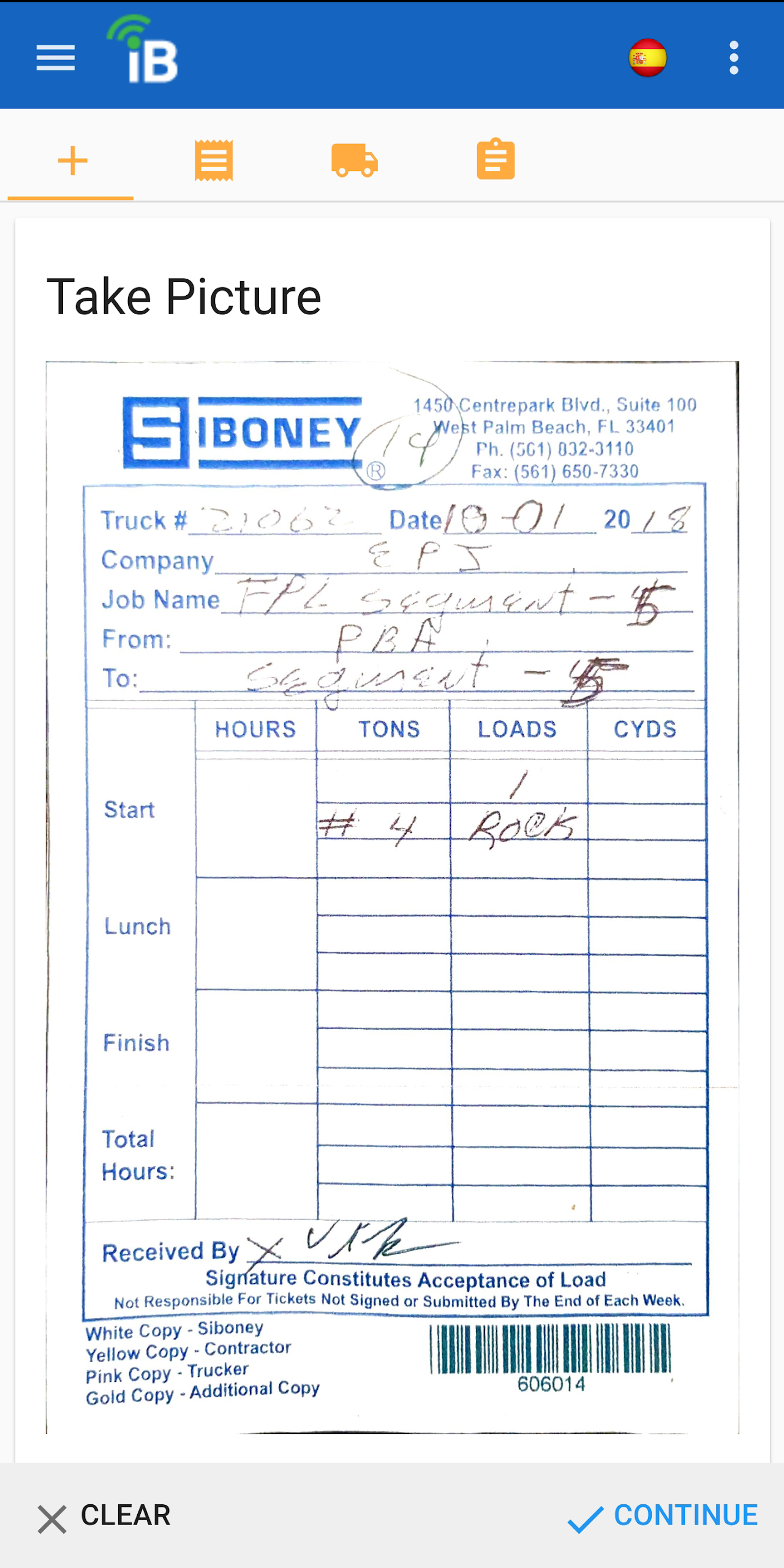
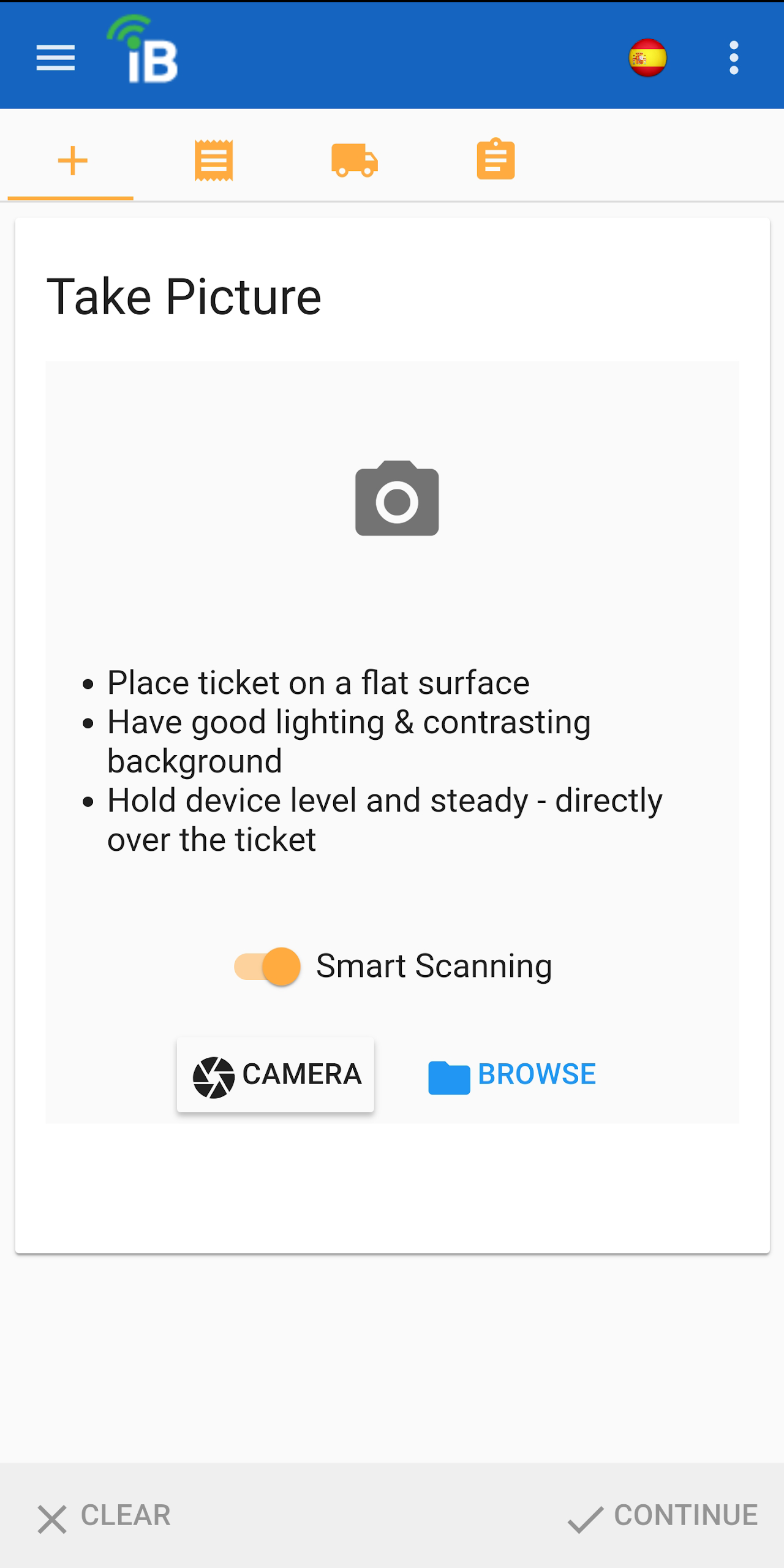
HOW TO TAKEGOOD TICKETPICTURES iBulk uses Genius Scan, a professional scanning engine developed in France. You aim it at a ticket, and it will automatically focus, detect the edges of the ticket, and take the picture for you.
Manage your hauling business from anywhere
iBulk gives motor carriers quick, efficient dispatch, electronic ticket submission, and operational document submission, all from a simple, easy-to-use mobile application.
Dispatch
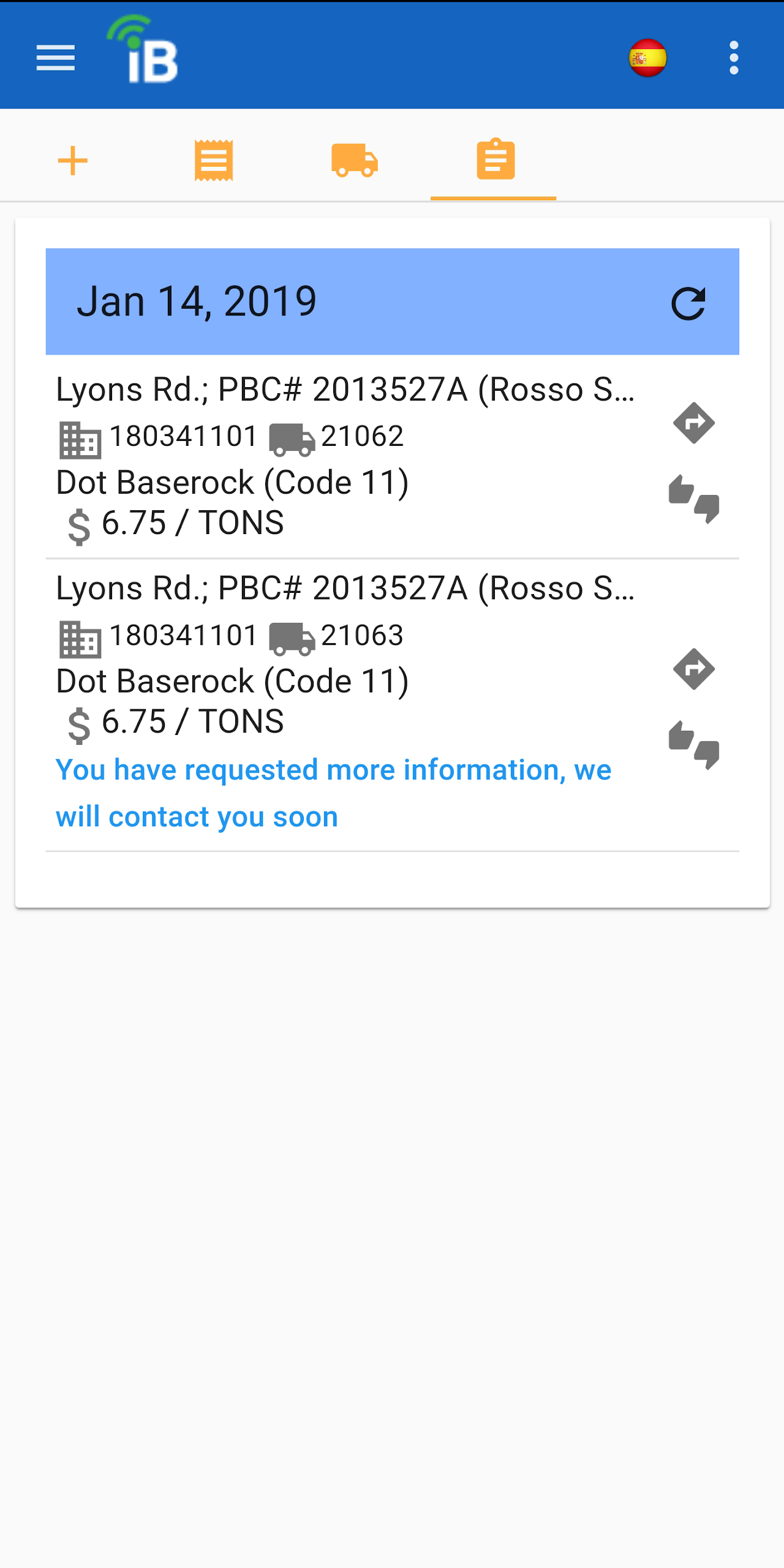
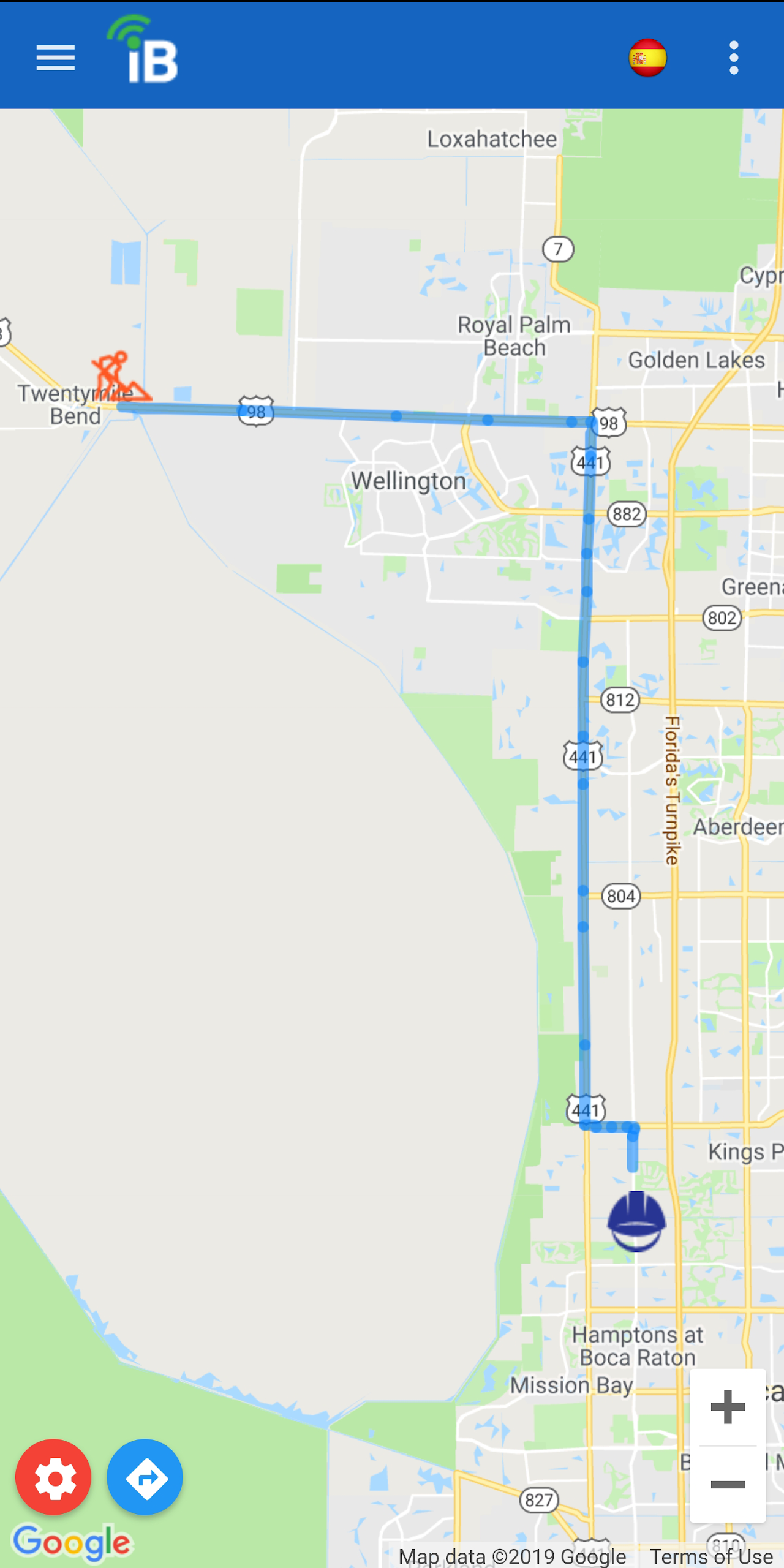
Get notified the moment a job is assigned — with pay rate and directions.

Add Tickets
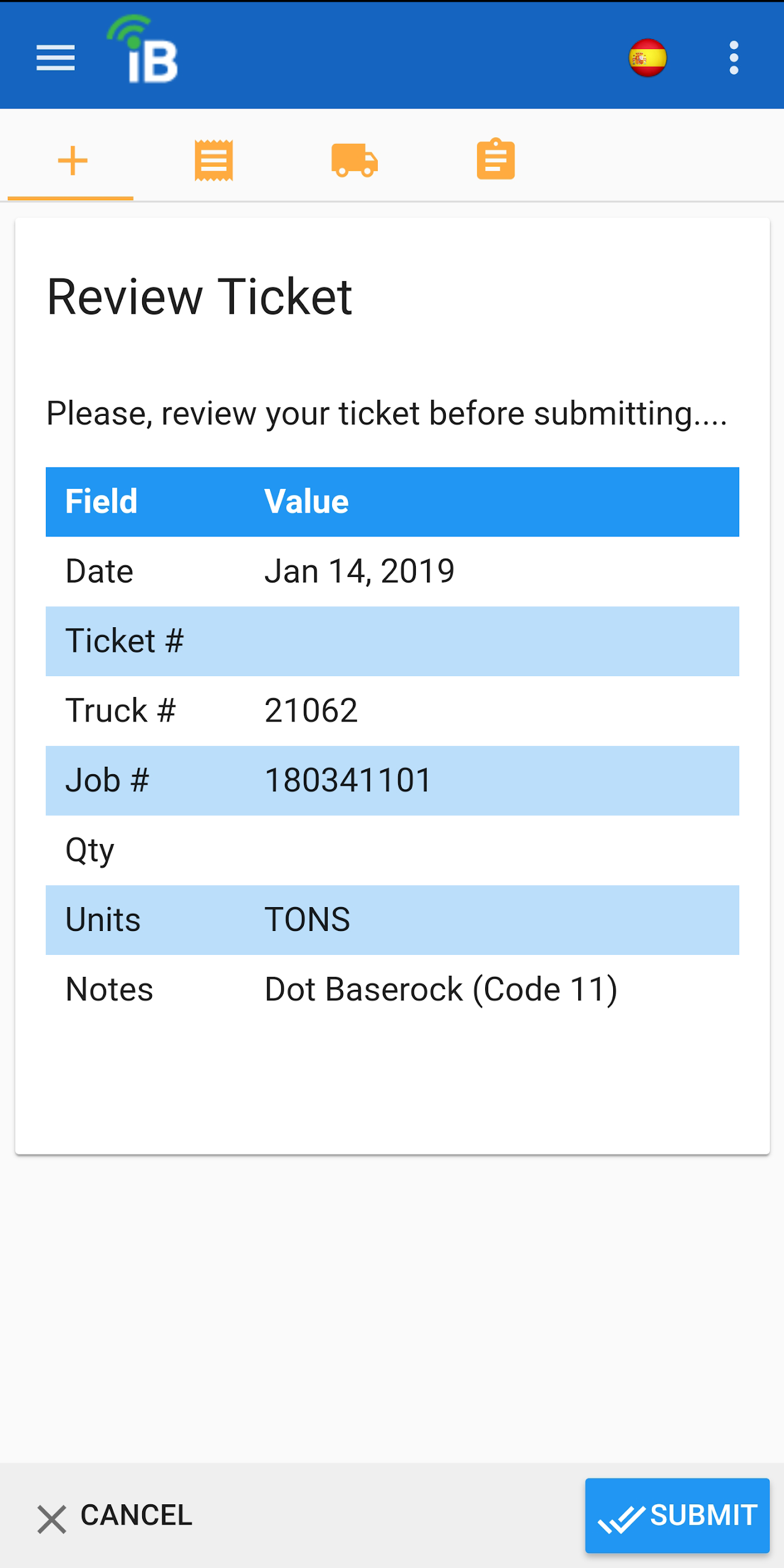
Scan and submit load tickets right from the cab with Smart Scan.
My Trucks
Keep tags, insurance, registration and VIN details on hand.
Documents
Send agreements, insurance and licenses straight to our team.
Multi-Truck
Run a fleet — assign drivers and see every truck at a glance.
Haul smarter with iBulk
Our Features
Accept dispatch on jobs with the click of a button
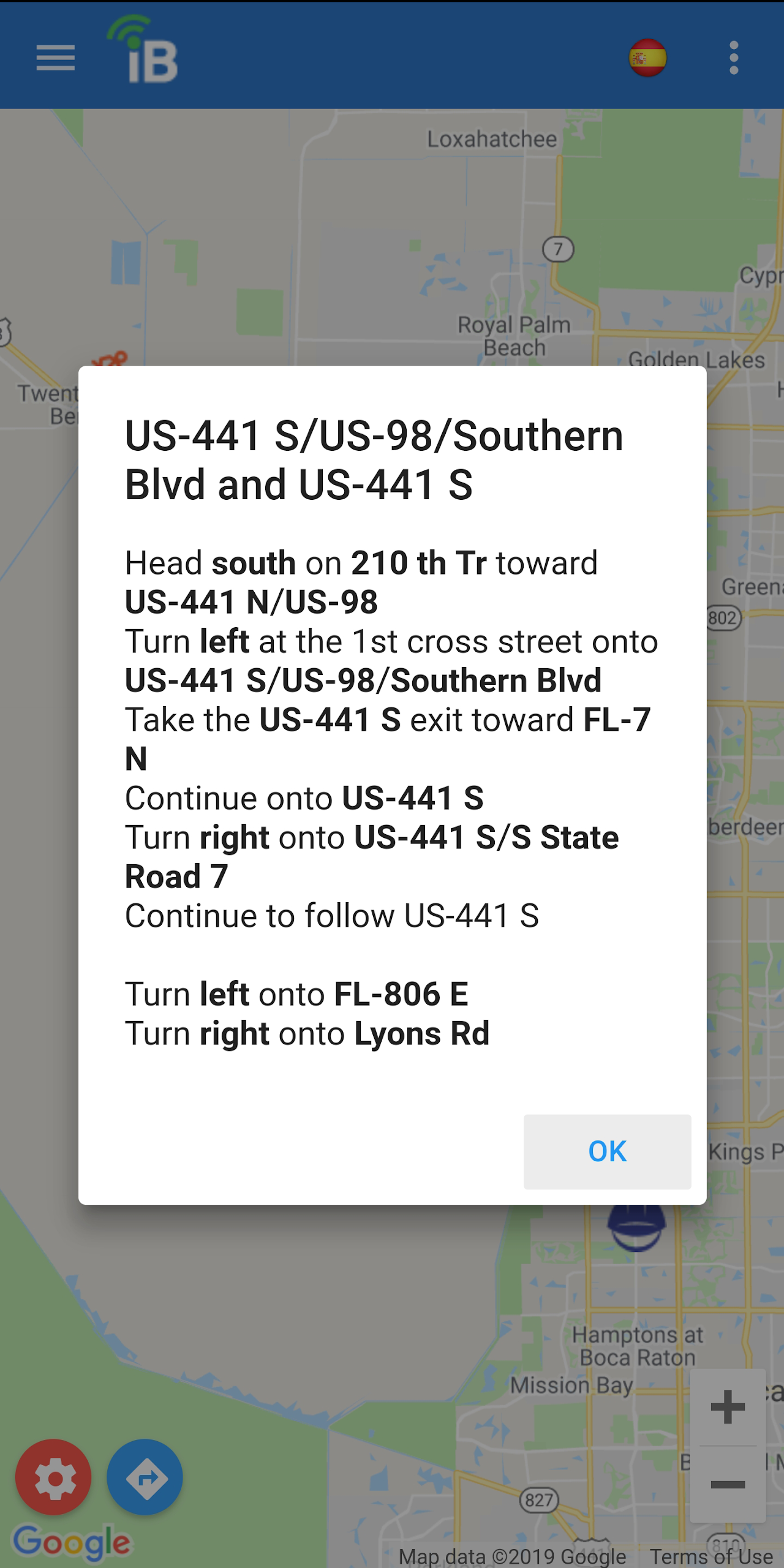
Map and turn-by-turn directions to job site
Scan load tickets with Genius Scan
Upload insurance documents and contracts
See iBulk in action

Get the iBulk app today
Download for iPhone or Android and put your trucks to work.